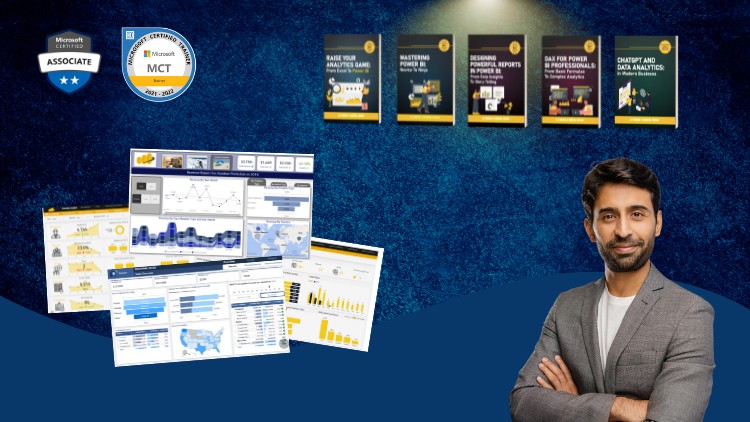
A Full Guide to Creating Insightful Reports, Interactive Dashboards, and Effective Data Storytelling Using Power BI
What you will learn
Note➛ Make sure your 𝐔𝐝𝐞𝐦𝐲 cart has only this course you're going to enroll it now, Remove all other courses from the 𝐔𝐝𝐞𝐦𝐲 cart before Enrolling!
Design professional-quality reports in Power BI that are both visually appealing and easy to navigate.
Create interactive dashboards that allow users to explore data and gain insights dynamically.
Explore advanced Power BI features such as bookmarks, drill-throughs, and report tooltips to enhance report interactivity.
Implement themes and templates to ensure consistency across reports and align with organizational branding.
Use Power BI’s various visualization options to represent data effectively, including charts, maps, and custom visuals.
Become an expert in using Power BI to analyze and visualize numbers
Add-On Information:
- Unlock the Secrets to Data Visualization: Go beyond basic charts and learn to craft compelling visual narratives that resonate with your audience, transforming raw data into actionable intelligence.
- From Blank Canvas to Business Impact: Master the art of starting with a blank Power BI canvas and systematically building reports that not only look good but also drive informed business decisions.
- Strategic Layout and User Experience: Discover principles of effective report layout and navigation that guide users intuitively through complex datasets, ensuring a seamless exploration experience.
- Leveraging Interactivity for Deeper Insights: Understand how to strategically employ interactive elements to enable users to drill down, filter, and slice data, uncovering hidden patterns and trends.
- Customization for Brand Alignment: Learn to tailor Power BI reports to perfectly match your company’s visual identity, ensuring brand consistency and professionalism across all data presentations.
- Choosing the Right Visual for the Story: Develop an eye for selecting the most appropriate visualization types for specific data points, ensuring clarity and impact in your message.
- Building Dynamic User Journeys: Craft reports with distinct pathways and interactions that allow users to explore data from multiple perspectives and at varying levels of detail.
- Optimizing Performance for Large Datasets: Gain techniques to ensure your Power BI reports remain responsive and performant, even when working with substantial amounts of data.
- Incorporating Advanced Interactivity Techniques: Explore sophisticated features like advanced bookmarks and custom tooltips to create richer, more engaging user experiences.
- Effective Data Storytelling Principles: Learn to structure your reports with a clear narrative flow, guiding your audience through the data journey and highlighting key takeaways.
- Principles of Effective Dashboard Design: Understand the fundamental rules of dashboard creation that prioritize clarity, conciseness, and immediate comprehension of key performance indicators.
- Beyond Standard Visuals: Explore the possibilities of custom visuals and advanced formatting to elevate your reports beyond the ordinary.
- Best Practices for Report Development: Acquire industry-standard methodologies for efficient and effective Power BI report creation, from initial data connection to final deployment.
- PROS:
- Comprehensive Skill Development: Covers essential and advanced techniques, making you proficient in Power BI report creation.
- Practical, Hands-On Learning: Focuses on building real-world reports with practical application of concepts.
- Enhanced Data Communication Skills: Develops your ability to effectively communicate insights through data visualization.
- Career Advancement Potential: Equips you with highly sought-after skills in the data analytics field.
- CONS:
- Requires Prior Data Familiarity: While beginner-friendly, a basic understanding of data concepts will be beneficial for faster progress.
English
language