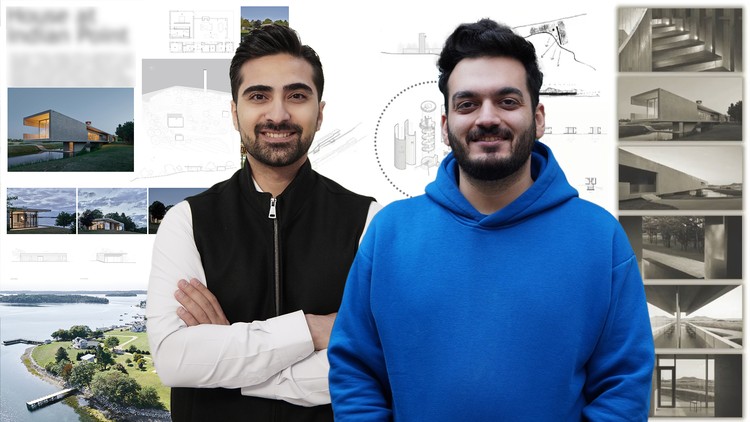
Architectural Sheet Presentation with Photoshop – Horizontal & Vertical Layouts + Graphic Skills + Fast Workflow
What you will learn
Note➛ Make sure your 𝐔𝐝𝐞𝐦𝐲 cart has only this course you're going to enroll it now, Remove all other courses from the 𝐔𝐝𝐞𝐦𝐲 cart before Enrolling!
Create professional architectural sheets using Photoshop
Design one horizontal and one vertical sheet step by step
Apply color, typography, and composition principles in sheet design
Learn time-saving workflows to design sheets quickly
Organize architectuEnhance sheets with graphic elements, textures, and backgroundsral drawings, renderings, and diagrams into effective layouts
Export sheets for printing and digital presentation
Gain confidence to prepare sheets for competitions, portfolios, and client presentations
Add-On Information:
- Deconstruct successful architectural presentations: Analyze award-winning precedents to grasp visual rhetoric, effective communication, and underlying design principles that captivate audiences.
- Master advanced image manipulation for seamless context integration: Learn Photoshop techniques to blend renderings into photographic site contexts, establishing mood and realism via refined light and shadow adjustments.
- Cultivate a distinctive visual brand for your portfolio: Develop a unique graphic identity for architectural presentations, reflecting your design philosophy and making your work memorable.
- Prepare assets for diverse output mediums: Adapt sheet designs for flawless presentation across high-resolution prints, digital displays, and online platforms, maintaining quality and impact.
- Efficiently manage complex layered documents: Implement robust layer organization, smart objects, and non-destructive editing for streamlined revisions and collaborative workflows.
- Elevate project storytelling through visual sequencing: Design sheets as dynamic visual journeys, unfolding your architectural concept, development, and impact in a narrative progression.
- Understand print production specifics for large formats: Delve into color management, bleed, trim, and resolution crucial for large-format architectural printing, ensuring perfect physical translation.
- Streamline your creative process: Establish an efficient pipeline from concept to final presentation, minimizing repetitive tasks and maximizing design exploration time.
- PROS:
- Targeted skill development: Acquire specialized Photoshop skills directly applicable to architectural presentation, enhancing your value in design roles.
- Enhanced professional portfolio: Significantly improve the visual quality of your project submissions, competition entries, and client presentations.
- Industry-standard software mastery: Gain proficiency in Photoshop, an essential tool in architecture, boosting your technical capabilities.
- Time-saving efficiency: Learn workflows and organizational strategies that drastically cut down presentation preparation time on future projects.
- CONS:
- Foundational Photoshop familiarity recommended: The course moves quickly, benefiting those with basic Photoshop navigation and layer understanding.
English
language