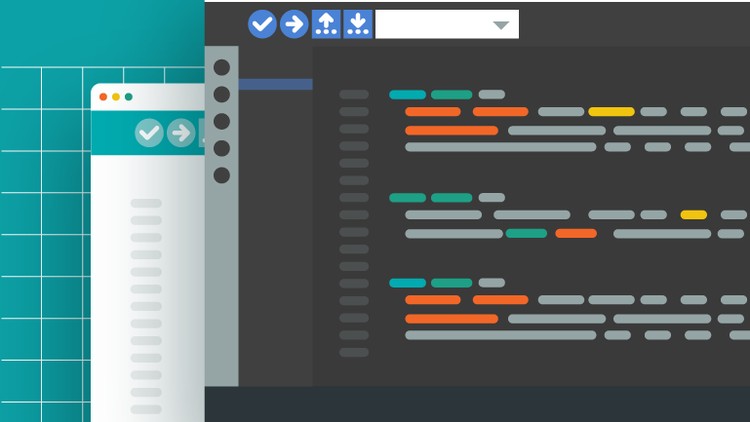
Unleash full power of Arduino Board with the All new Arduino Pro IDE and Debug Your Arduino Code in no Time
Why take this course?
🌟 Course Description:
Unlock the Full Potential of Your Arduino Board with the Latest in Coding Efficiency and Debugging Precision!
🚀 Introduction:
Embark on a journey to elevate your coding skills with the brand-new Arduino Pro IDE. This comprehensive online course is designed for both beginners and seasoned Arduino users who aspire to write flawless code and troubleshoot issues swiftly. By mastering the Arduino Pro IDE, you’ll be equipped with a modern, fully-featured environment that’s tailored for professional development.
🖥️ Course Highlights:
- Modern Development Environment: Experience a fresh, intuitive interface designed to enhance your coding workflow.
- Dual Mode Flexibility: Switch between the Classic Arduino look and the Pro view, which offers a file system perspective on your projects.
- Comprehensive Toolkit: Utilize the Board and Library Manager, and other powerful tools that come with the IDE.
🎓 Why You Should Take This Course?
- ✅ Learn Essential Skills: Gain a solid understanding of programming principles that are applicable to all future projects.
- ✅ Code Like a Pro: Whether you’re a beginner or intermediate user, this course will elevate your coding techniques to the next level.
- ✅ Master Arduino Pro IDE: Get hands-on experience with the official developer-recommended IDE.
- ✅ Debug with Ease: Say goodbye to time-consuming debugging sessions with native debugging features in the new Pro IDE.
- ✅ Learn Efficient Coding: Discover functions, their parameters, and use them to write faster and more effective code.
- ✅ Unlock Arduino’s Power: Harness the full capabilities of your Arduino Board with the latest tools at your fingertips.
🔍 Key Takeaways You Will Master:
- Arduino Pro IDE User Interface: Navigate and customize the Pro IDE to streamline your development process.
- Be a Pioneer in Pro Mode: Get ahead of the curve by using Arduino in its most advanced mode.
- Explore New Features: Learn about the latest features, tips, and tricks for enhanced coding capabilities.
- Debugging Mastery: Leverage the all-new debugging features to troubleshoot and fix issues quickly and efficiently.
- Embrace Professional Mode: Discover why utilizing Pro mode is beneficial and how it can transform your approach to Arduino projects.
👨💻👩💻 Join the Community of Arduino Experts
This course is not just about learning; it’s about joining a community where you can share, collaborate, and grow as an Arduino enthusiast or professional. Enroll today to transform your coding journey and bring your projects to life with unparalleled proficiency and precision! 🎓✨
Ready to become an Arduino Pro? Click ‘Enroll’ to start your journey and turn your ideas into reality! 🚀🎉
- Master the Modern Workflow: Step beyond the classic Arduino IDE and embrace the professional-grade features of the new Arduino Pro IDE.
- Streamline Your Projects: Discover efficient coding practices that accelerate your development cycle for both simple and complex Arduino projects.
- Gain Insight into Execution: Learn to dissect your Arduino code’s runtime behavior, identifying bottlenecks and understanding logic flow.
- Demystify Complex Circuits: Develop the confidence to tackle intricate electronic designs by effectively troubleshooting their software components.
- Build Robust Applications: Implement strategies to create more reliable and error-resistant Arduino sketches from the ground up.
- Elevate Your Debugging Skills: Transform frustrating bug-hunting into a systematic and rewarding problem-solving process.
- Leverage Advanced IDE Tools: Explore built-in functionalities that enhance code readability, organization, and error detection.
- Understand Common Pitfalls: Recognize and avoid frequent mistakes that lead to unexpected behavior in Arduino projects.
- Optimize Performance: Fine-tune your code for maximum efficiency, ensuring your Arduino boards operate at their peak.
- Develop Confident Troubleshooting Habits: Cultivate a methodical approach to identifying and resolving software issues on your microcontroller.
- Enhance Your Embedded Systems Expertise: Deepen your understanding of how software interacts with hardware in real-world applications.
- Prepare for Professional Development: Equip yourself with the skills and tools used in professional embedded systems engineering.
- Reduce Development Frustration: Spend less time debugging and more time innovating and building amazing projects.
- PRO: Access to real-time variable inspection, allowing you to see what your Arduino is doing *as it’s doing it*.
- PRO: Learn to utilize breakpoints to pause your code execution at specific lines, enabling granular analysis.
- PRO: Benefit from step-through debugging, executing your code line-by-line to pinpoint the exact source of errors.
- CONS: May require a slight learning curve for users accustomed to the simpler, older Arduino IDE.