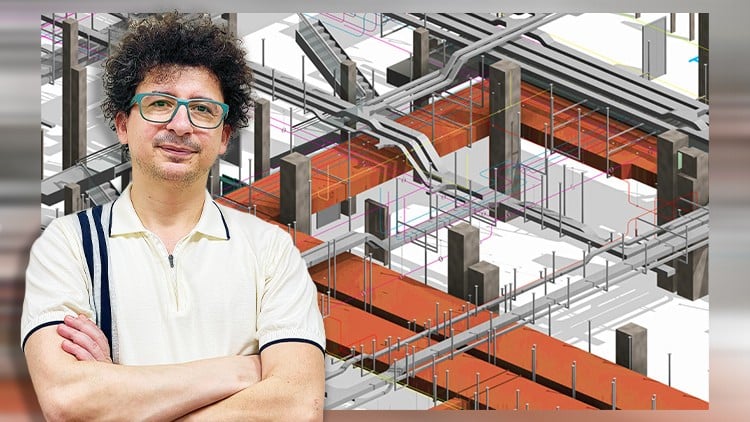
Duct Design, Revit MEP Families, Shop Drawings and Coordinate BIM Projects + RVT Files and complete project files
⏱️ Length: 21.8 total hours
⭐ 4.80/5 rating
👥 3,783 students
🔄 October 2025 update
Overview: Beyond Just Drawing Boxes
In my decade-plus of navigating the MEP landscape, I’ve seen countless technicians get stuck in the “AutoCAD mindset.” They think BIM is just 3D drafting. It’s not. It’s about data, coordination, and building a project twice—once in the software and once on-site. The Revit MEP HVAC – Complete Course is one of those rare deep-dives that actually respects that distinction. Instead of just showing you where the buttons are, this course forces you to think like a BIM Coordinator from day one.
What really set this apart for me was the transition from theoretical layouts to MEP Fabrication. Most tutorials stop after you drop a few diffusers and run some ductwork. This course dives into the “why” behind Duct Settings and the nitty-gritty of Shop Drawings. If you’ve ever been on a job site where the ductwork didn’t fit the penetration because of a bad Revit family, you’ll appreciate the emphasis here on creating Revit families based on catalogs. It moves you away from generic placeholders toward industry-standard tools that actually reflect what’s being shipped from the manufacturer.
Prerequisites: What You Need in Your Toolkit
While this is marketed as a beginner to advanced journey, let’s be honest: you’ll struggle if you don’t have a basic grasp of mechanical engineering principles. You don’t need to be a Revit pro—the course handles the architectural modeling tools needed to set up your environment—but you should understand airflows and static pressure concepts. Technically, a decent workstation is non-negotiable. Don’t try to run these hands-on labs on a budget laptop; Revit’s MEP calculations and 3D coordination require some decent RAM and a dedicated GPU if you want a smooth experience.
Skills & Tools: Mastering the Ecosystem
The curriculum is a heavy-hitter in terms of technical breadth. You’re not just learning “Revit”; you’re learning an integrated workflow. Key takeaways include:
- Duct Design & Optimization: Mastering Duct Elbow Families and Duct Tee Families so your systems actually route correctly without those annoying “no solution found” errors.
- Custom Content Creation: Learning to build Revit MEP Families from scratch is a superpower. It allows you to move beyond the “Out of the Box” (OOTB) content that rarely meets local standards.
- BIM Coordination: Using the provided RVT files to practice clash detection and spatial awareness within a larger structural and architectural model.
- Estimation & Take-offs: Leveraging Duct Take-off in Revit for accurate material quantities—a skill that’s increasingly requested by pre-construction teams.
Career Benefits & Job Roles: Leveling Up
If you’re looking for career growth, this isn’t just another certificate for your LinkedIn profile; it’s certification prep for the Revit Mechanical Certified Professional exam. By the time you finish the real-world projects included in the syllabus, you’ll have job-ready skills that translate directly to higher-paying roles. I’ve seen junior drafters jump to BIM Specialist or HVAC Designer positions simply by proving they can handle complex family creation and shop drawing production. In an industry where BIM projects are now the default for high-rise and commercial builds, being “Revit-literate” is the bare minimum—being a Revit expert is where the salary bumps happen.
The Pros: Why This Course Sticks
- Workflow-Centric Approach: It doesn’t just teach tools in isolation. It follows the lifecycle of a project from initial HVAC settings to final Estimation in HVAC Projects.
- Rich Resource Library: The inclusion of complete project files and RVT files means you aren’t starting from a blank screen. You get to see how a professional project is structured.
- Deep Dive into Families: Most courses skip the “Family Editor.” This one embraces it, teaching you how to create parametric components that actually work in a schedule.
- Practical Shop Drawings: The focus on Coordinate BIM Projects ensures your drawings are actually usable for the field, not just pretty pictures.
The Cons: An Honest Critique
If I have one gripe, it’s that the course is incredibly dense. It’s a bit of a “firehose” of information. For a total novice, the section on MEP Fabrication in Revit might feel a bit rushed if you haven’t mastered the basic duct tools first. I would have liked to see a bit more emphasis on Navisworks integration for the coordination phase, but considering the depth of the Revit-specific content, it’s a minor omission in an otherwise stellar package.